
Arjun Nair
Founder and engineering lead
Conversion engine architecture and what gets built next
A small Mac software studio. We build tools for the email files people cannot open, cannot back up or cannot get back.
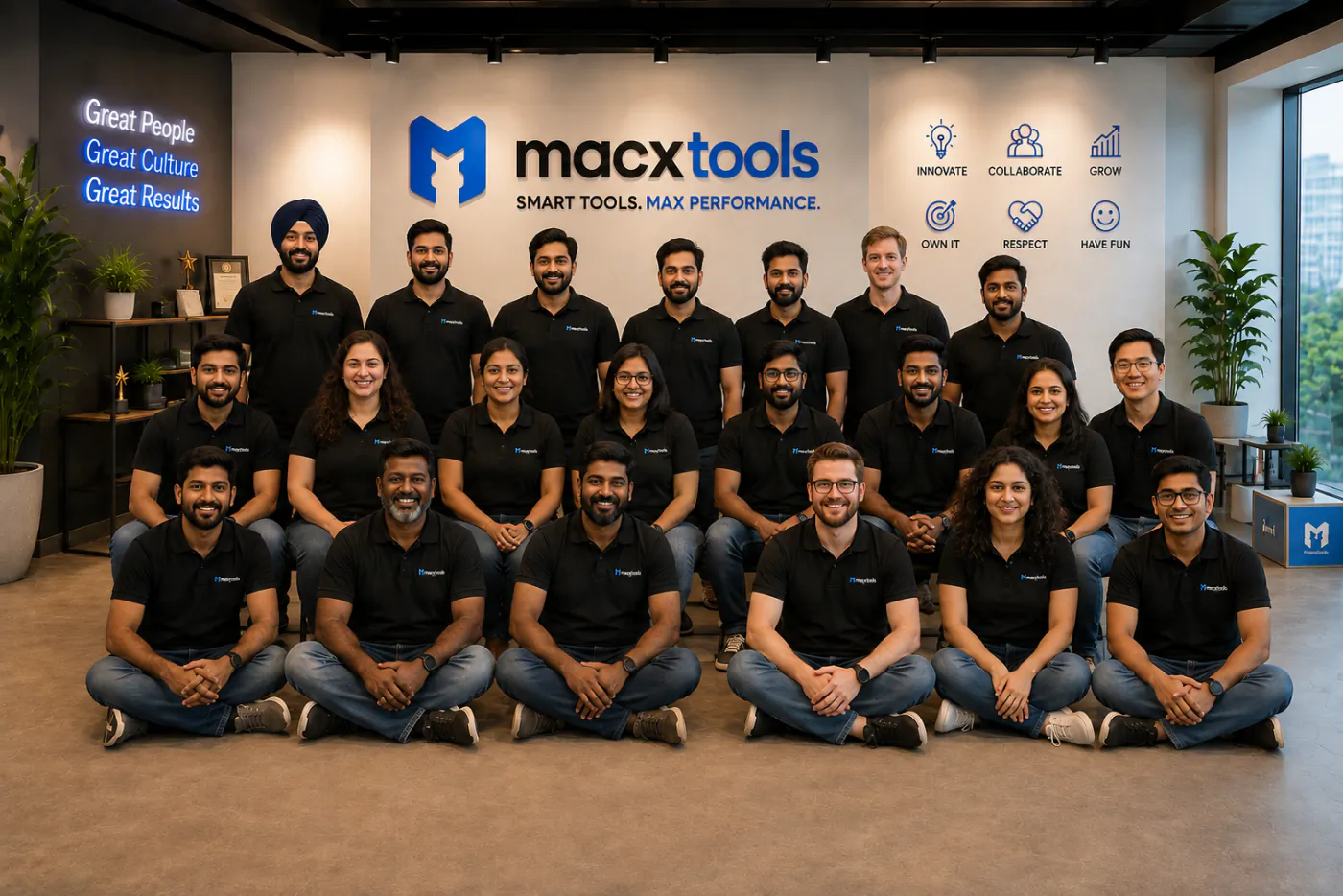
MacXTools started in 2016 writing small utilities for macOS. The requests that kept coming back were never about the small stuff. They were from people holding a PST file on a Mac with no Outlook, or a mailbox on a server about to be shut off, or an OLM archive that no Mac application would read.
Those problems had good answers on Windows and almost none on the Mac. So that became the work, and every tool in the catalogue exists because somebody wrote in stuck.
The people we build for are IT administrators, migration consultants, legal and eDiscovery teams, plus anyone who has been handed a mail file and told to make it readable.

Between them they read PST, OLM, MBOX, EML, MSG and PDF files. On the account side they sign into Gmail, Google Workspace, Office 365, Yahoo Mail and any IMAP server.
Small enough that the person who answers your support email is usually the person who wrote the tool. The same people write the guides on this site.
Conversion engine architecture and what gets built next

PST, OLM and MBOX parsing internals

Interface, accessibility and release testing
One floor in one building. Writing, review, testing and support all happen within earshot of each other, which is the only reason a small team can move this fast.

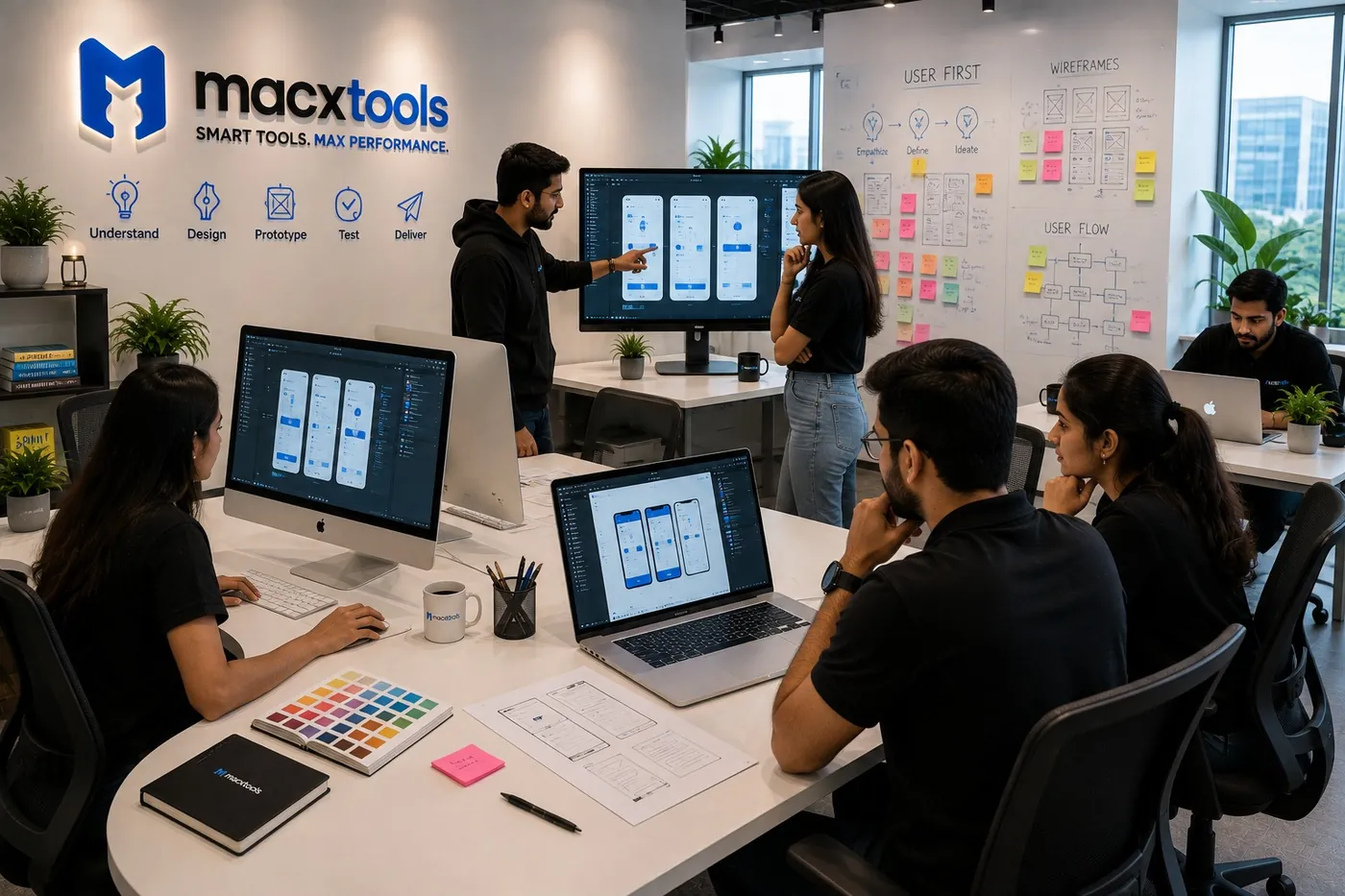
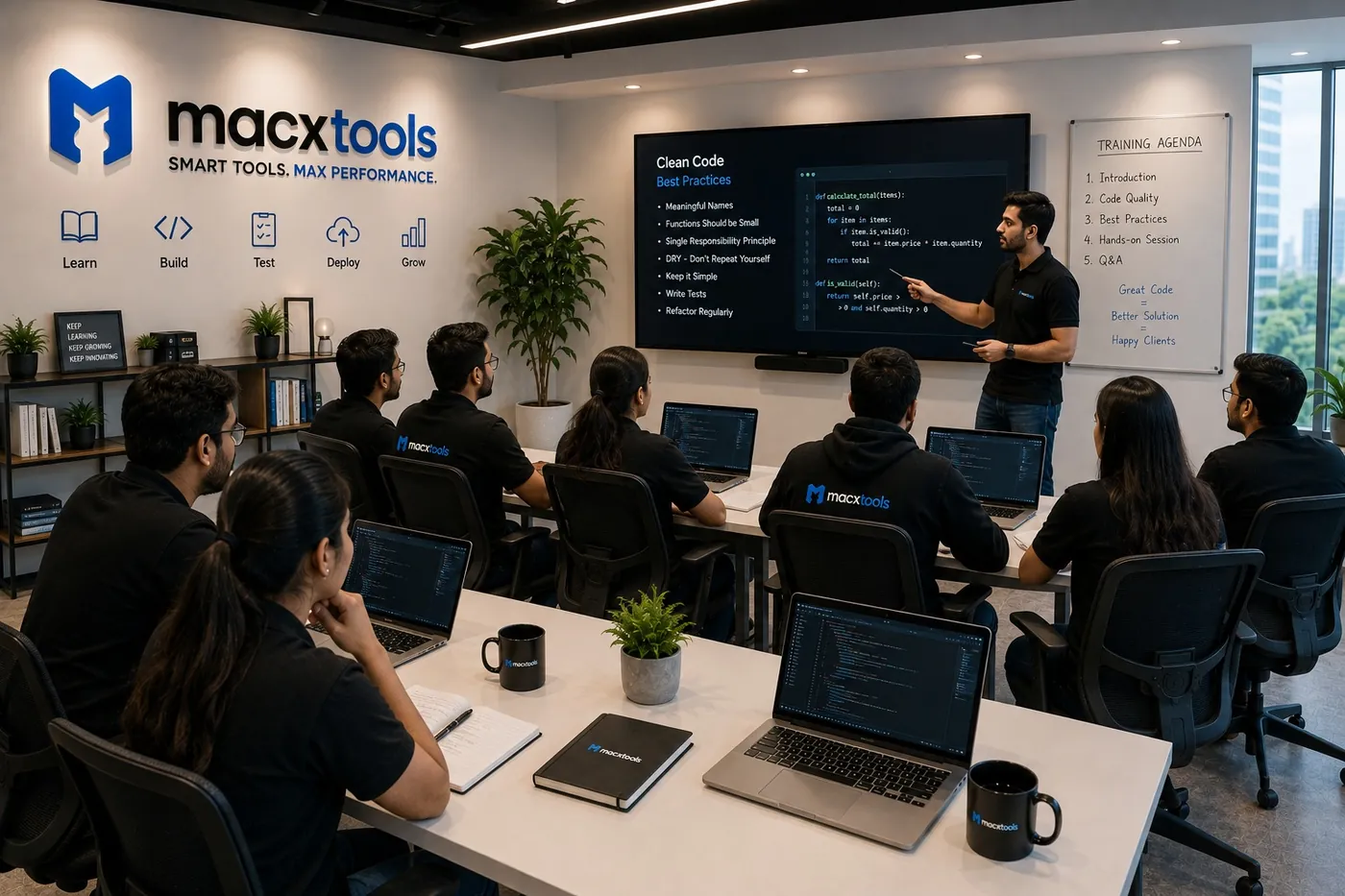

These are decisions, not features. They cost us something, which is how you know we mean them.
Clean sample data proves nothing. Our test set is built from the corrupt, truncated and half migrated files people have sent us over the years, kept with permission and stripped of content.
Plenty of the machines holding an important archive are not new. We keep older hardware on the shelf and keep testing against it, rather than dropping support the month Apple does.
There is no ticket tier and no outsourced first line. If your file behaves strangely, the reply comes from somebody who can open the source code and look.
Sometimes the honest reply is that your file is beyond repair, or that a free route exists. We would rather tell you that than sell you a licence you cannot use.
Behind those four, the mechanics never change. One universal binary covers Apple Silicon and Intel. Each release is code signed under our Apple Developer ID and cleared through Apple notarization. None of it goes near the App Store, because a tool that reads your mailbox needs file access the sandbox will not grant.
Seventeen tools for macOS, each with a trial you can run on your own file before deciding. What Mac users say about MacXTools is on record, unedited.