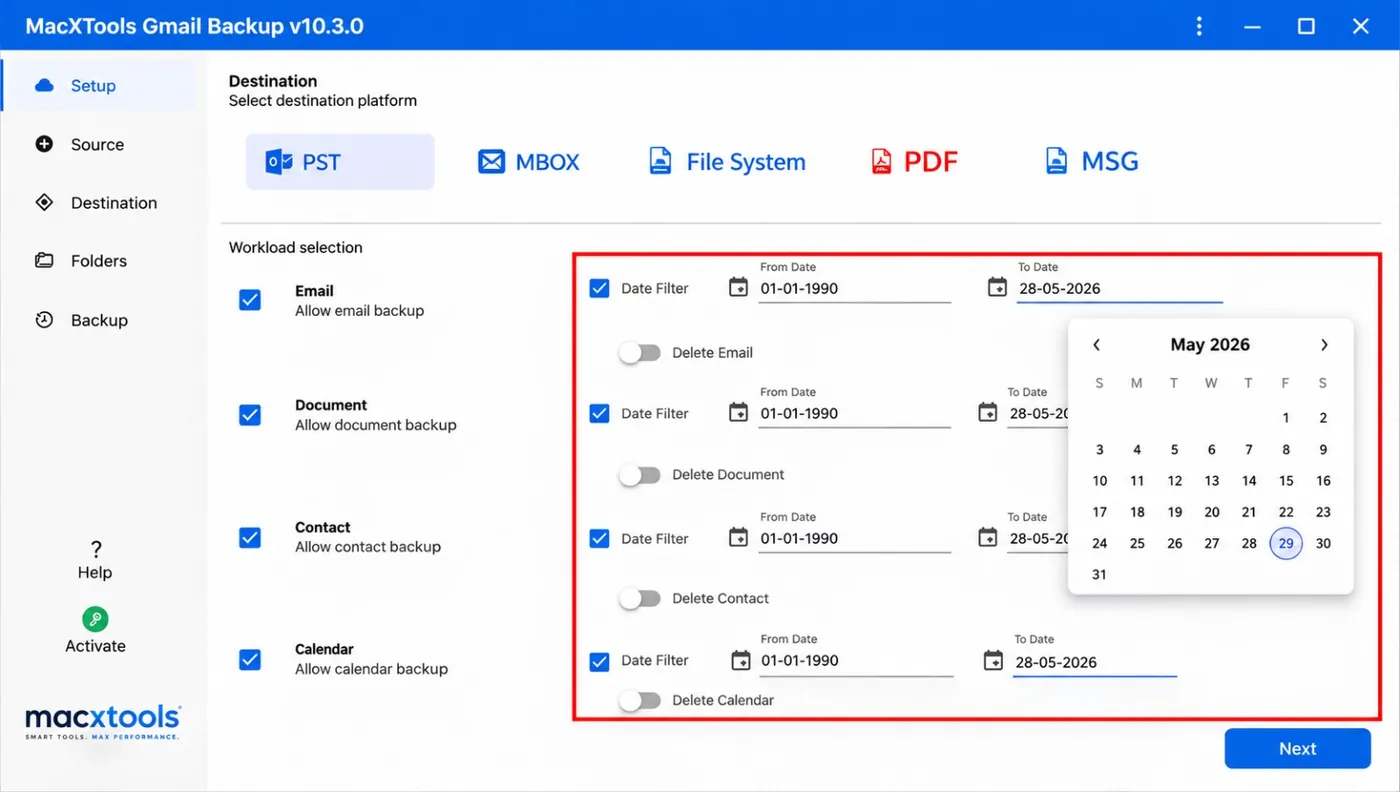
Which data does Gmail backup software cover?
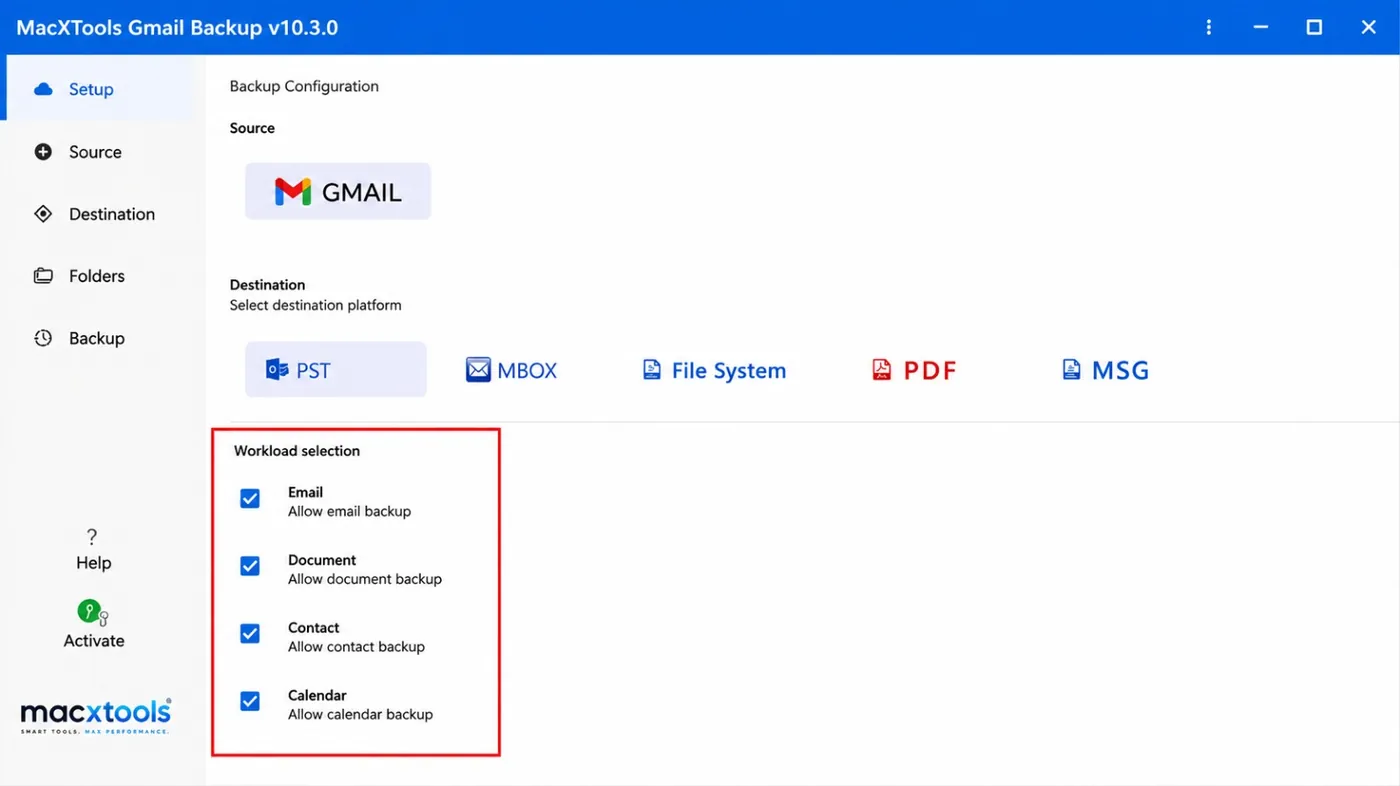
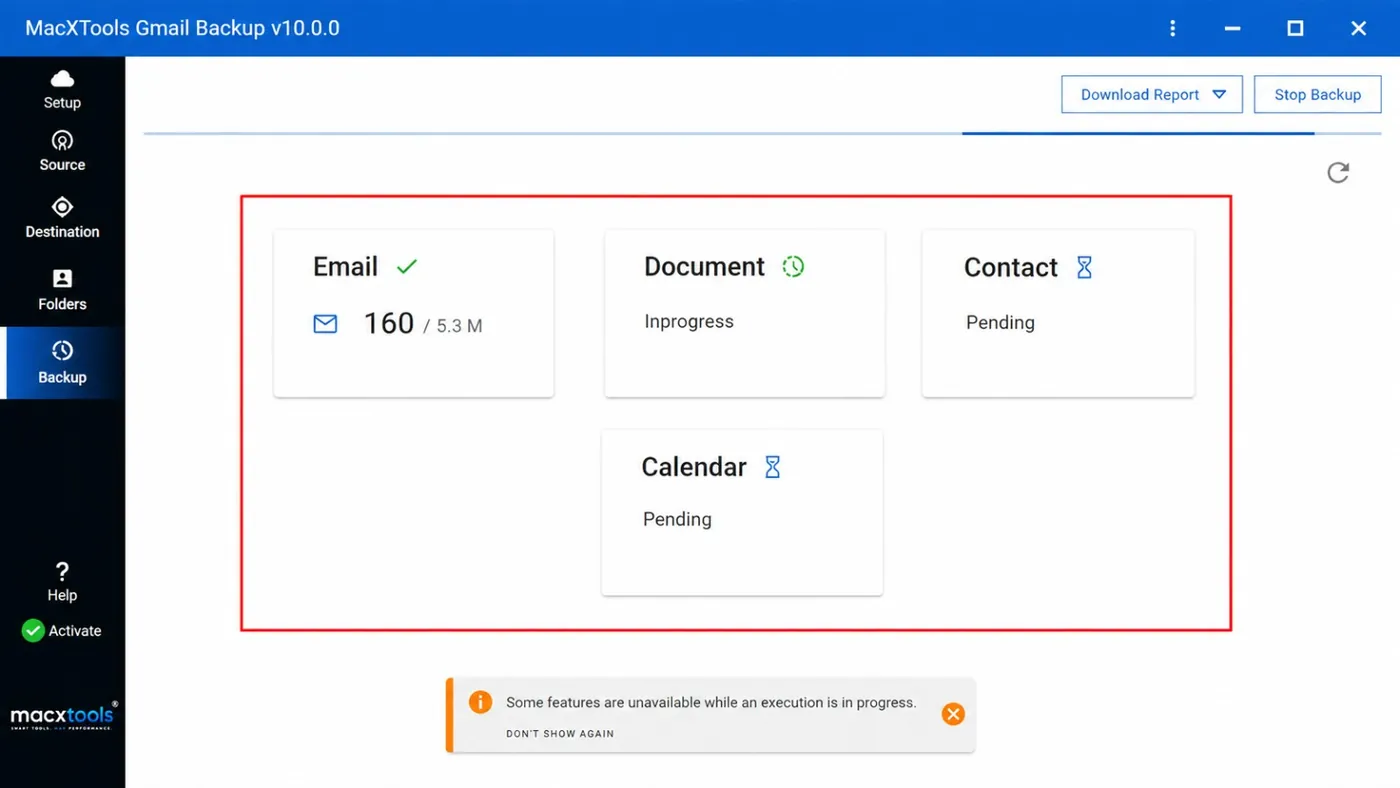
Four workloads: Email, Document, Contact and Calendar. A checkbox for every workload on the Setup tab includes or leaves out that data.
Which saving formats does the Gmail backup tool for Mac offer?
Five destination platforms: PST, MBOX, File System, PDF and MSG.
How does Gmail backup software sign in to an account?
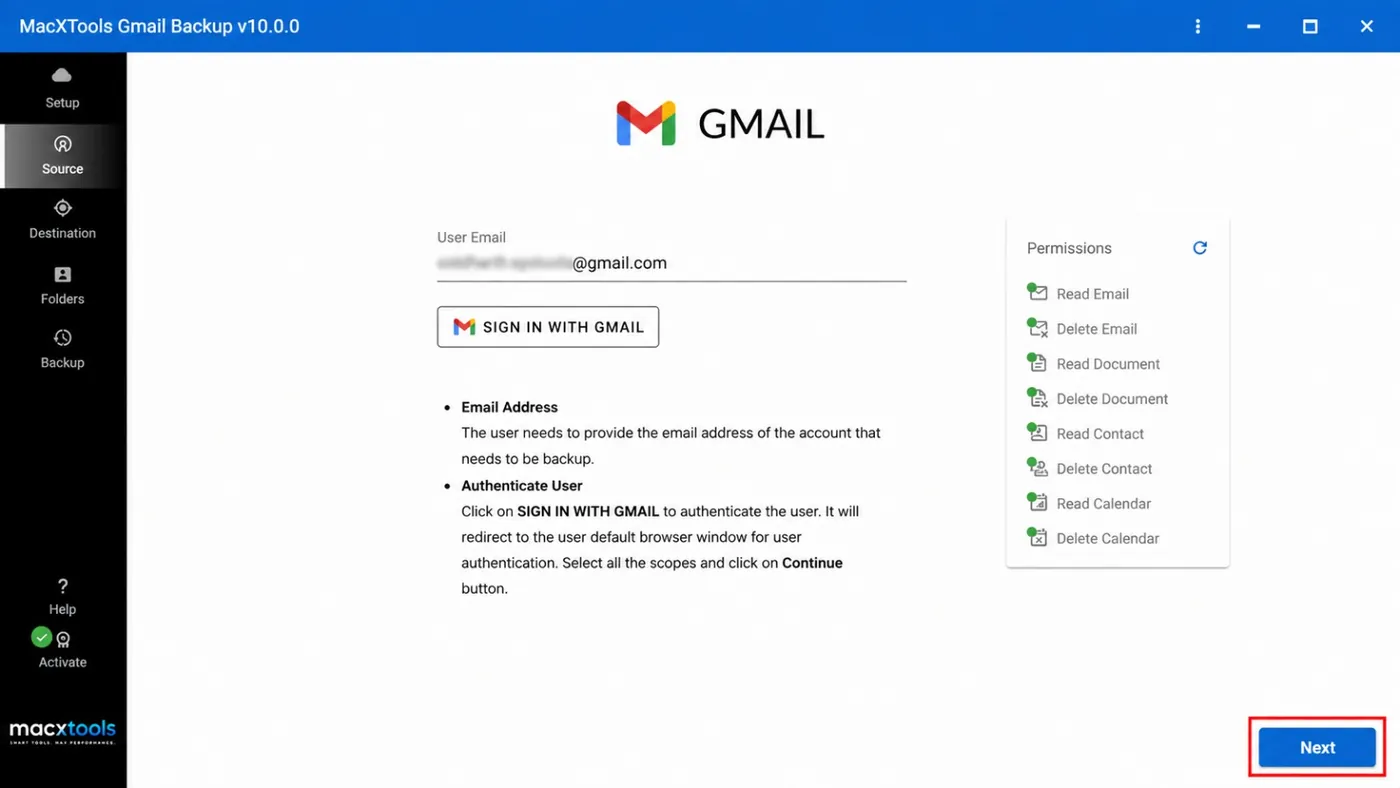
Type the Gmail address and click Sign In With Gmail. The browser opens a Google sign in page. Select the scopes there and click Continue.
Can Gmail backup software save a date range only?
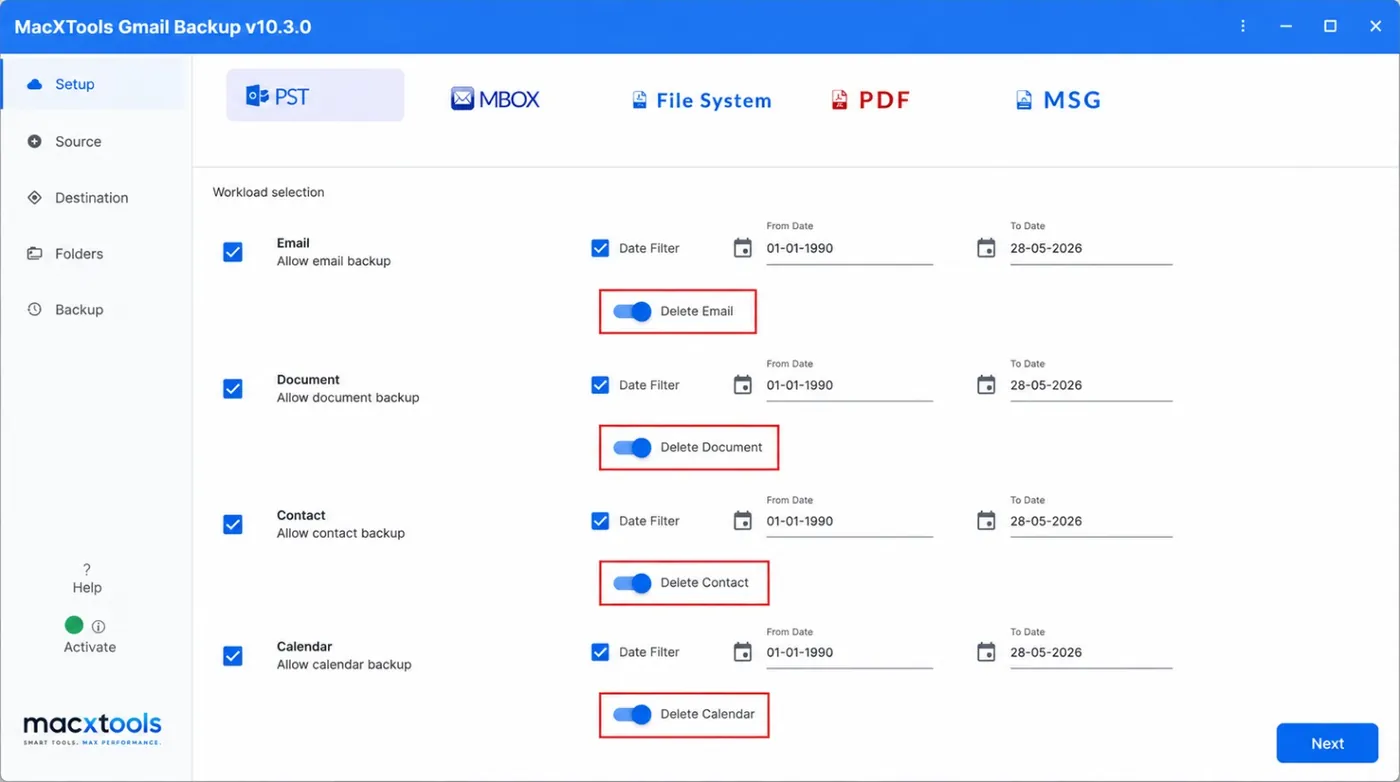
Yes. A Date Filter with a From date and a To date limits every workload. Only data inside the range is saved.
Can the Gmail backup tool for Mac split a large PST file?
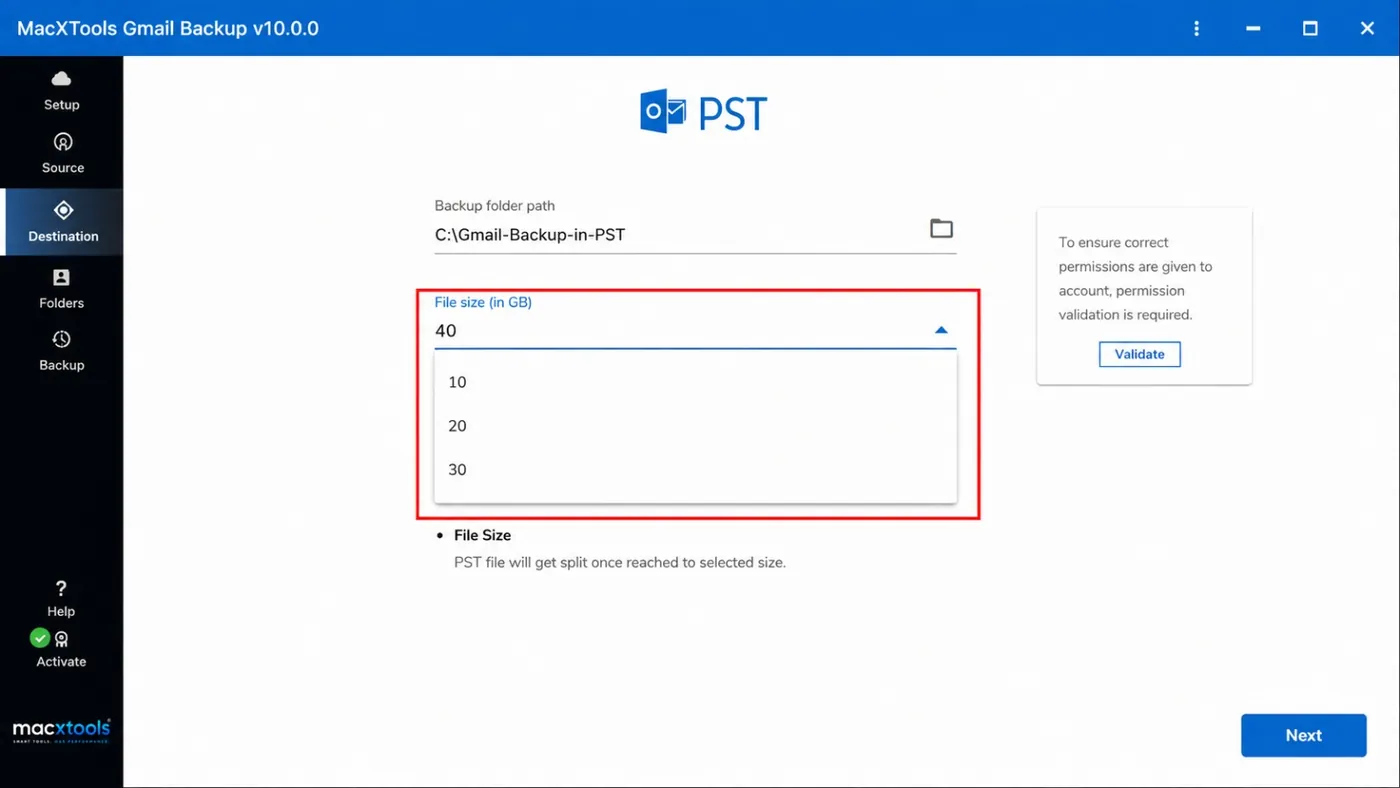
Yes. The File size (in GB) list on the Destination tab splits a PST file once it reaches the selected size.
Does Gmail backup software delete emails after the backup?
Only when a delete toggle is switched on. The toggles start switched off. Keep them off until the saved files are checked.
Can Gmail backup software save selected folders only?
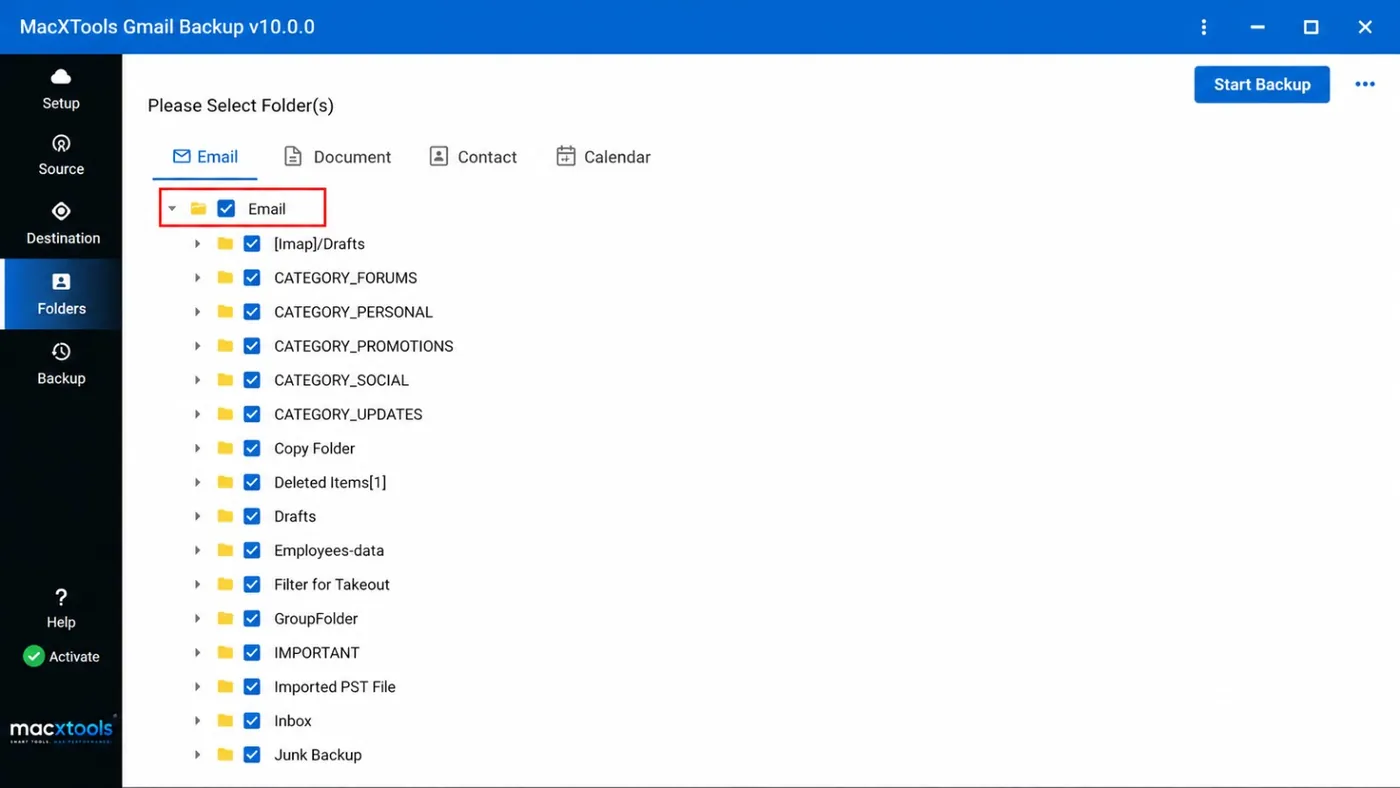
Yes. Fetch Workload Folders loads the folders of every workload. A checkbox in front of a folder includes it.
Does the Gmail backup tool for Mac need Full Disk Access?
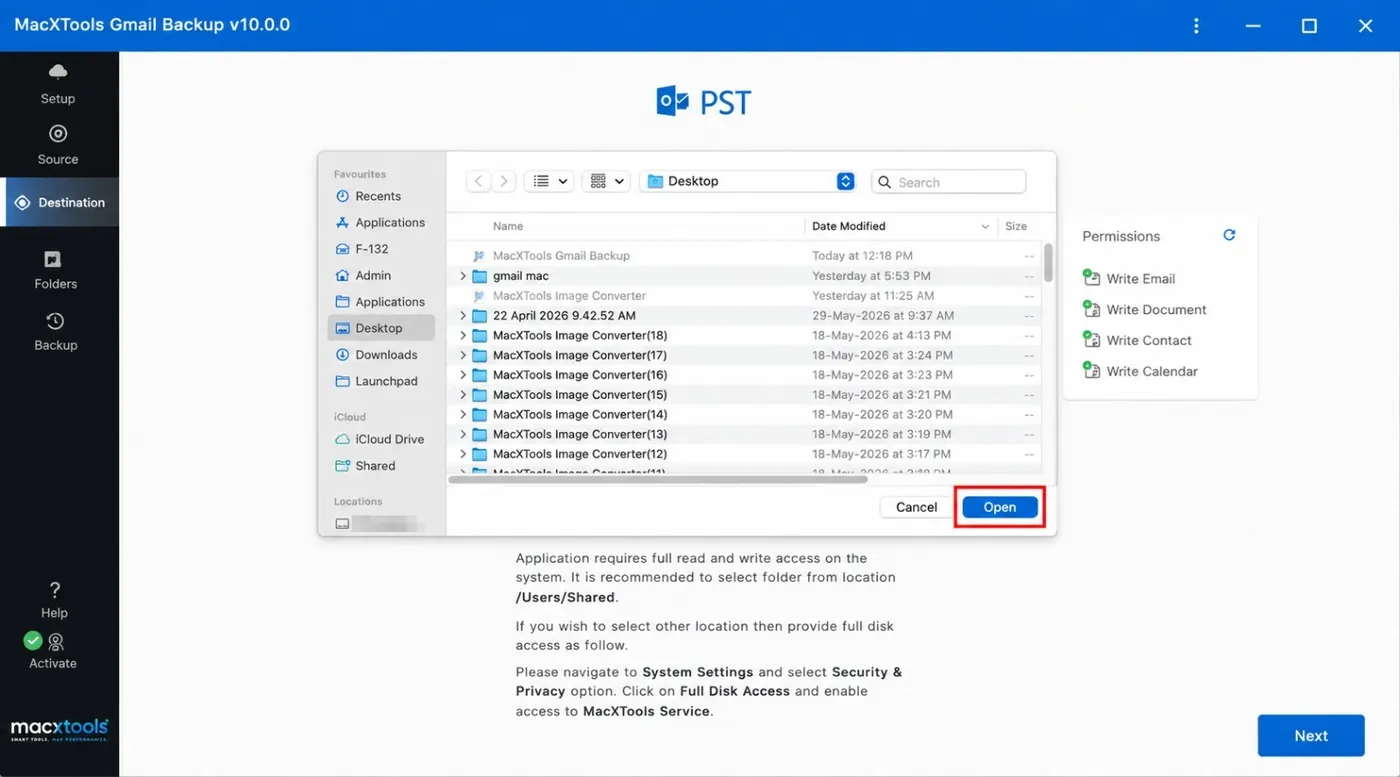
The software suggests /Users/Shared as the backup folder. Any other location needs Full Disk Access for MacXTools Service in System Settings.
What does the free trial of the Gmail backup tool include?
The trial limit is listed in the product guide. The full version costs $39.00 with a 30 day refund.
Which macOS versions does the Gmail backup tool for Mac support?
macOS 12 and later, on Apple Silicon and Intel Macs.