Which email accounts does IMAP email backup software support?
Any account that uses IMAP. Gmail, Yahoo, AOL and Rackspace are named. A self hosted IMAP server works the same way.
Does IMAP backup software need an App Password?
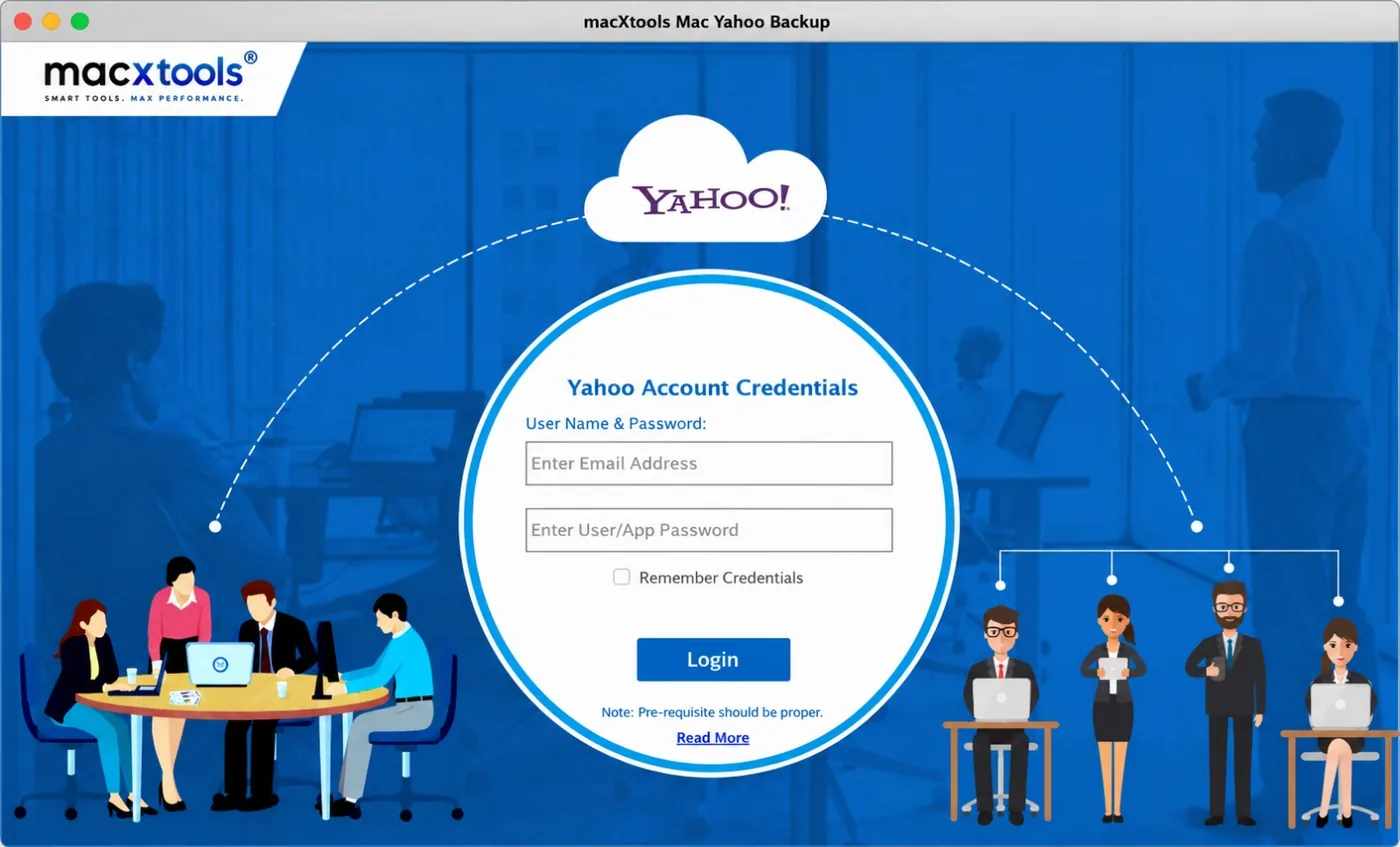
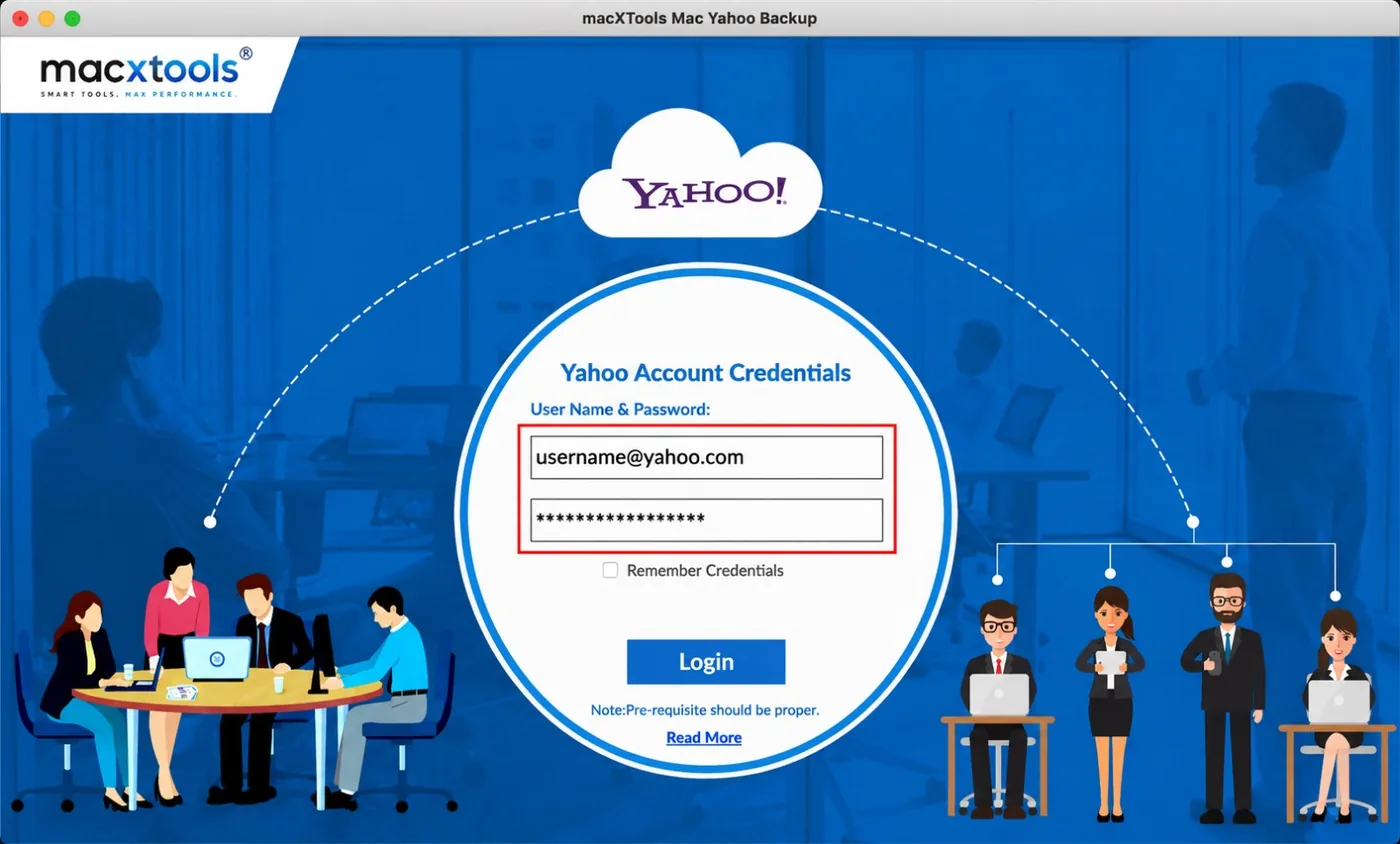
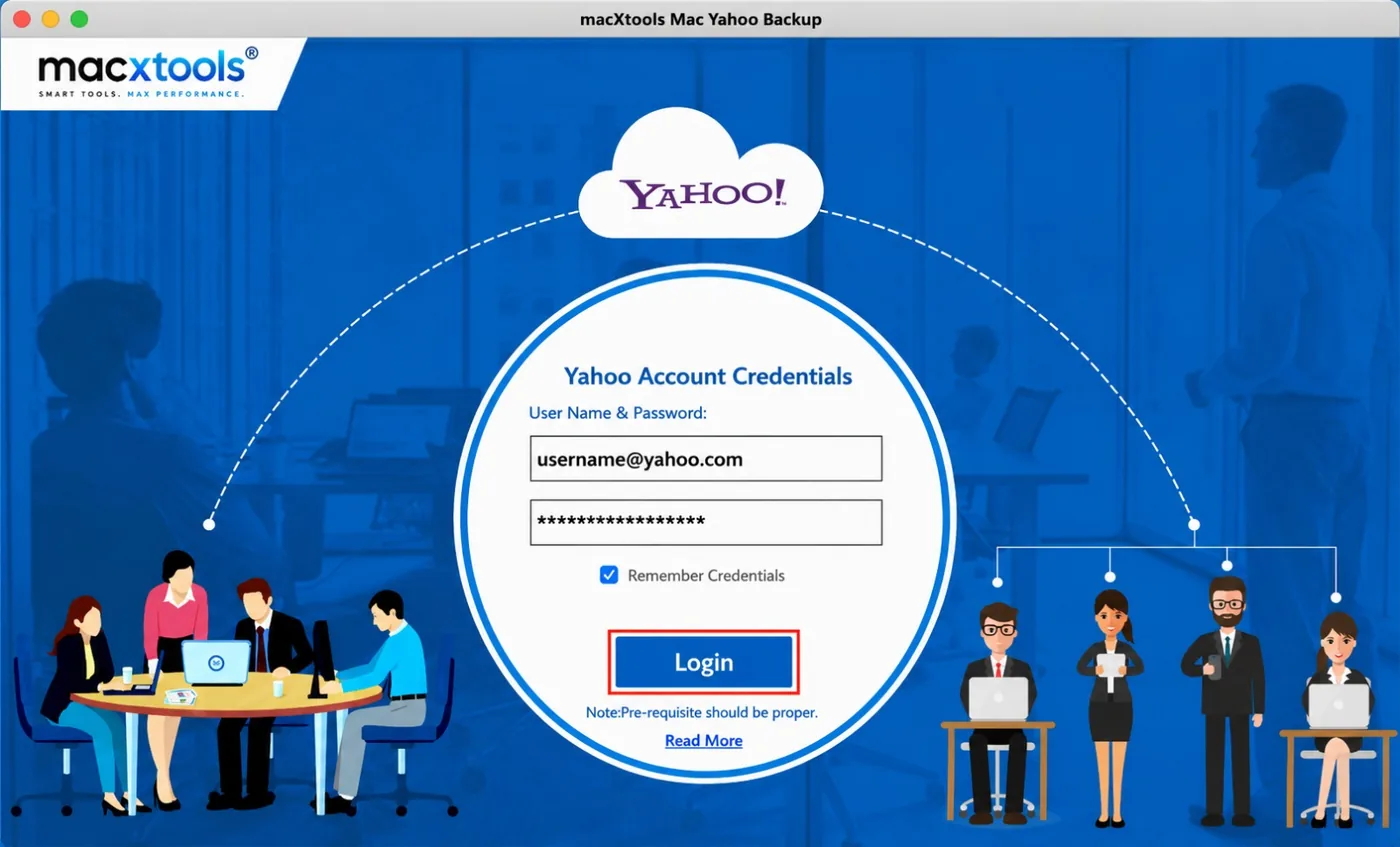
Yes, for accounts with 2-step verification. Generate an App Password in the mail account and enter it on the login screen.
Which saving options does the IMAP backup tool for Mac offer?
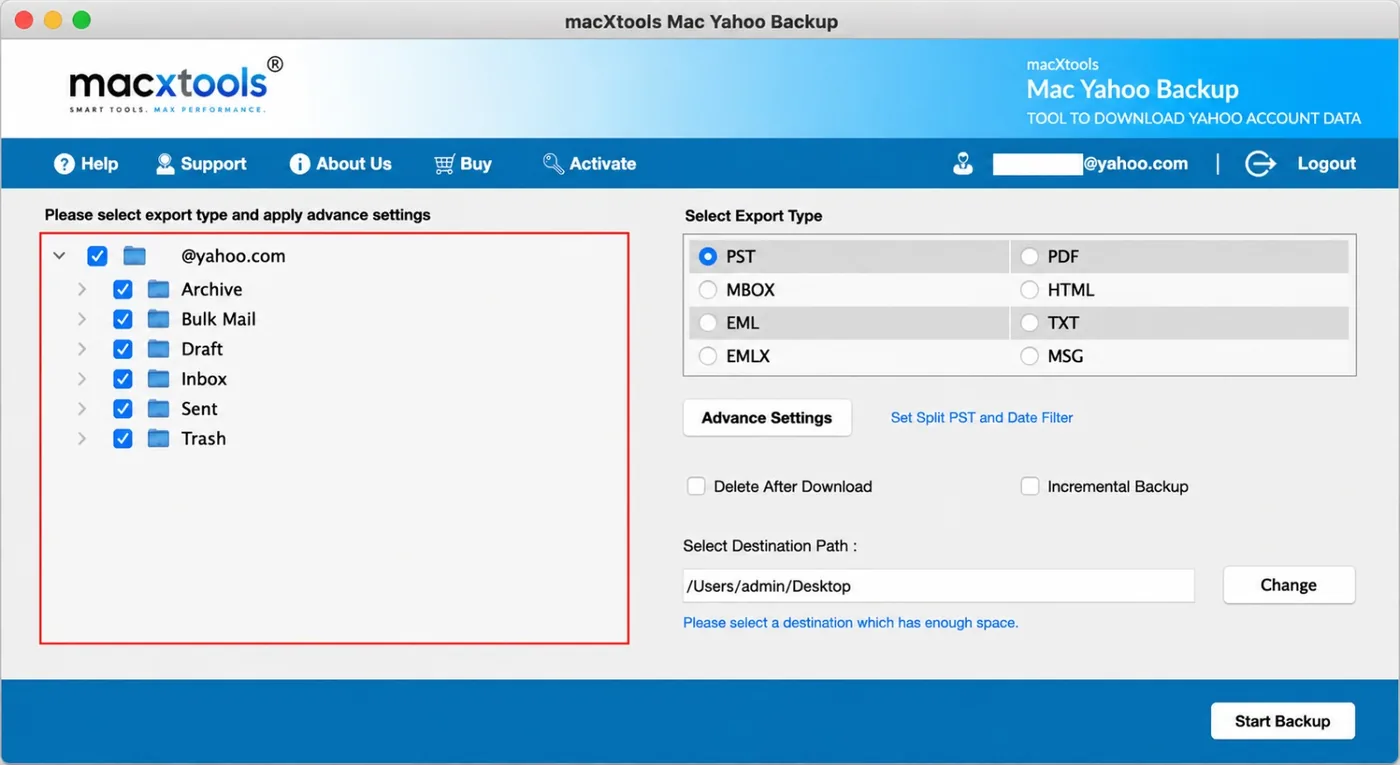
Eight or more, with PST and PDF among them. The product guide has the full list.
Can IMAP backup software save selected emails only?
Yes. Filters limit a backup by date range, subject, sender or email address. Folder selection narrows it further.
Does incremental backup save old emails again?
No. Incremental backup saves recent emails only and prevents duplicates, so later backups stay short.
How does IMAP backup software remove duplicate emails?
It compares the From, Date and To fields of every email and removes the copies that match.
Which PDF attachment settings does the IMAP backup tool include?
Three: pin attachments, append attachments or save attachments. The setting applies when PDF is the saving option.
Is it safe to delete emails after an IMAP backup?
The delete option removes emails from the mailbox once they are saved. Keep it off for the first backup. Open the saved files and check them first.
What does the free trial of the IMAP backup tool include?
The free trial saves up to 100 emails. The full version removes that limit and costs $25.00 with a 30 day refund.
Which macOS versions does the IMAP backup tool for Mac support?
macOS 12 and later, on Apple Silicon and Intel Macs.